Changing the Color of the Hyperlink Formatting In PowerPoint
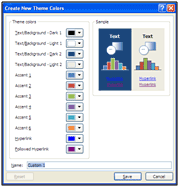
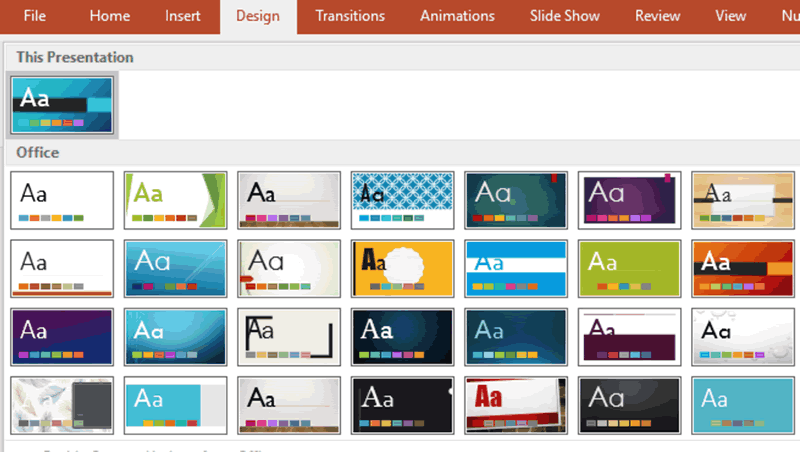
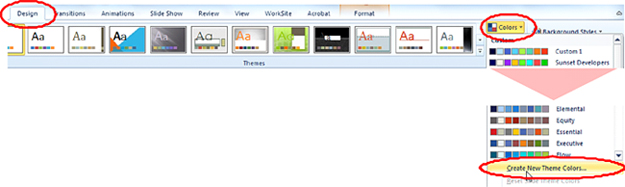
PowerPoint automatically applies Hyperlink color formatting to email addresses, URLs and hyperlinks in PowerPoint. To change this color:1. Select the Design Tab. 2. In the Themes Group, click on the drop down next to the Colors button.3. Scroll to the
Changing the Color of the Hyperlink Formatting In PowerPoint Read Post »