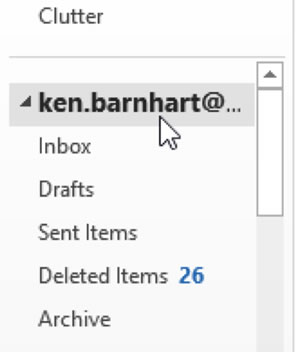
Click your email address in the mailboxes area:
Then click the “Customize Outlook Today” on the right, across from the date:

Click the setting “When starting, go directly to Outlook Today:”

Save the changes. Outlook will now go to Outlook Today every time it is started.